Best Video Editing Software Overview
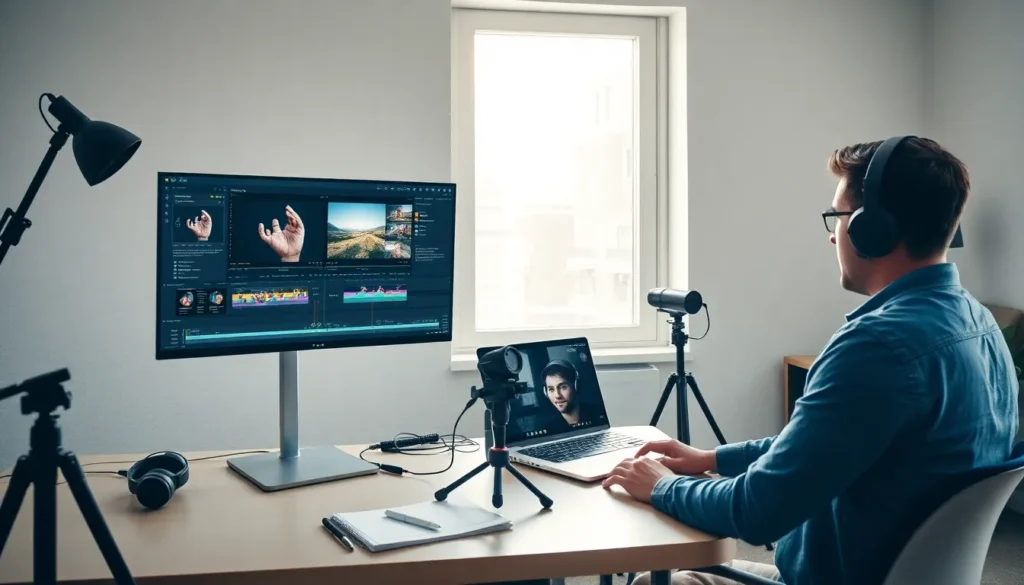
Best video editing software plays a crucial role in creating high-quality video content in today’s digital world.
Why Choosing the Best video Editing Software Matters
Not all video editing software is the same. Some tools are simple and beginner-friendly, while others are advanced and made for professionals. Using the wrong software can make editing difficult and slow.
The best video editing software helps you:
Edit videos faster
Create professional-quality content
Use effects, transitions, and music easily
Improve storytelling
Grow on social media and digital platforms
That is why selecting the right tool is a key step for every video creator.
Types of video Editing Software
Before choosing a tool, it is important to understand the different types of video editing software.
Beginner-Level Software
These tools are easy to use and perfect for beginners. They come with simple interfaces, ready-made templates, and basic editing features.
Professional-Level Software
These tools are used by filmmakers, agencies, and professionals. They offer advanced editing, color grading, and audio control.
Mobile video Editing Apps
These apps are designed for smartphones and are best for quick social media videos and short-form content.
Best video Editing Software for Beginners
CapCut
CapCut is one of the most popular video editing tools for beginners and social media creators. It is easy to use and available on both mobile and desktop.
Key Features:
Simple drag-and-drop interface
Ready-made templates
Auto captions and AI tools
Perfect for Reels, Shorts, and TikTok
CapCut is ideal for creators who want fast and trendy videos without complex editing.
Filmora
Filmora is another great option for beginners. It offers powerful features with a clean and easy interface.
Key Features:
Beginner-friendly layout
Built-in effects and transitions
Audio and video editing tools
Affordable pricing
Filmora is best for YouTubers and students who want professional results with less learning time.
Best video Editing Software for Professionals
Adobe Premiere Pro
Adobe Premiere Pro is one of the most widely used video editing tool in the world. It is used by professionals, agencies, and filmmakers.
Key Features:
Advanced editing tools
High-quality video support
Integration with Adobe After Effects and Photoshop
Full control over audio and video
This software is best for professional editors who want complete control over their projects.
Final Cut Pro
Final Cut Pro is a powerful video editing tool designed for Mac users. It is known for its fast performance and smooth editing experience.
Key Features:
High-speed rendering
Professional color grading
Advanced timeline features
Optimized for Apple devices
Final Cut Pro is ideal for professional creators using Mac systems.
DaVinci Resolve
DaVinci Resolve is famous for its advanced color correction features. It is widely used in film and TV production.
Key Features:
Professional color grading
Advanced audio editing
Free version available
Powerful editing tools
This software is perfect for creators who want cinematic-quality videos.
Best Mobile video Editing tools
InShot
InShot is a popular mobile video editing app used for social media content.
Key Features:
Easy-to-use interface
Social media-friendly formats
Music and text options
Fast export
It is best for Instagram, YouTube Shorts, and quick edits.
KineMaster
KineMaster is a powerful mobile editing app with advanced features.
Key Features:
Multi-layer editing
Chroma key support
Advanced audio tools
Professional-level control
KineMaster is suitable for creators who want advanced editing on mobile.
Video editing tools for YouTubers
For YouTubers, video editing software should support long videos, good audio control, and smooth transitions.
Top choices for YouTubers include:
Adobe Premiere Pro
Filmora
DaVinci Resolve
Final Cut Pro
These tools help create engaging and high-quality YouTube content.
Best video editing tools for Social Media
Social media creators need fast, simple, and trend-based editing tools.
Best options include:
CapCut
InShot
VN Editor
KineMaster
These tools support vertical videos and trending effects.
Free vs Paid video Editing Software
Free Software
Free tools are good for beginners and practice. However, they may have limited features or watermarks.
Examples:
CapCut (Free version)
DaVinci Resolve (Free)
iMovie
Paid Software
Paid software offers advanced features, better performance, and professional results.
Examples:
Adobe Premiere Pro
Final Cut Pro
Filmora Pro
Choosing between free and paid depends on your needs and budget.
How to Choose the video editing tools
When selecting the best video editing software, consider the following points:
Your skill level (beginner or professional)
Type of videos you want to create
Device compatibility (Windows, Mac, Mobile)
Budget
Features you need
Always start with simple tools and upgrade as your skills grow.
Future of video Editing Software
Video editing software is becoming smarter with the help of AI. Features like auto captions, background removal, and smart editing are becoming common.
In the future, video editing will be faster, easier, and more automated. Creators who adapt to new tools will stay ahead in the digital world.
Conclusion
Choosing the best video editing software is an important decision for every content creator. Whether you are a beginner, YouTuber, freelancer, or professional editor, the right software can improve your workflow and content quality.
From beginner tools like CapCut and Filmora to professional software like Adobe Premiere Pro and DaVinci Resolve, there are many great options available. Select the one that matches your goals and start creating amazing videos today.
Want to create professional videos and grow online?
Choose the best video editing software today and start your creative journey.
Practice regularly and turn your skills into success 🚀